Answering booking requests
One list of everything waiting on you, from your own teams and from the public — and what happens after you answer.
The queue
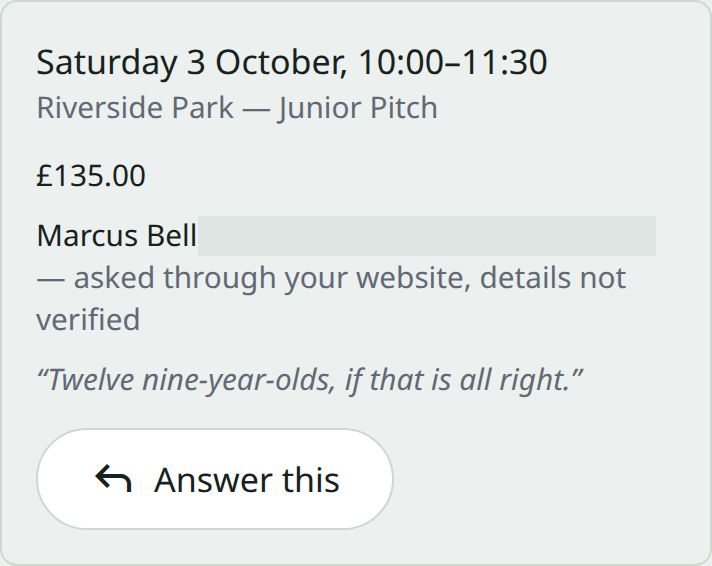
Requests holds everything nobody has answered yet, across every pitch and every week, soonest first.
It shows both kinds together — a manager asking for a pitch and a stranger asking through your website — because it’s the same job: somebody is waiting for an answer.
Requests for dates that have already passed aren’t listed. There is nothing useful left to say about last Tuesday, and a queue full of them is a queue people stop opening.
Saying yes
The slot is checked again as you accept. If somebody else has taken it since they asked, you’re told then rather than after — a request holds nothing while it waits, which is what lets two people ask for the same hour.
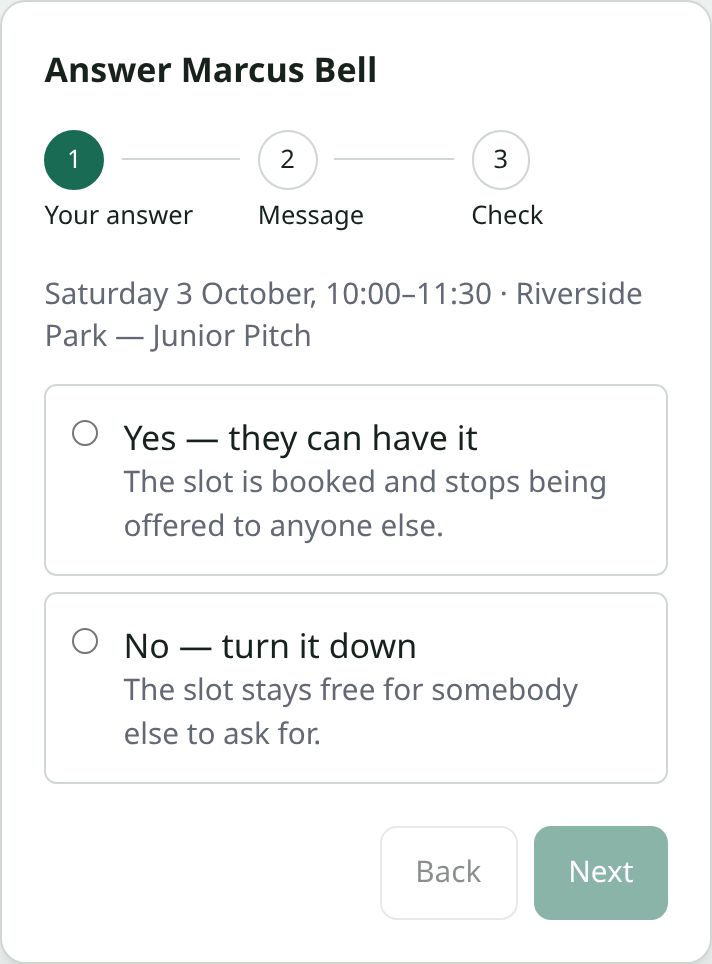
Press Answer this, choose Yes — they can have it, add a message if you want to, check it and confirm. Somebody who asked through your website is emailed that it’s confirmed.
If it’s priced, the email doesn’t carry a way to pay. Open the booking on the pitch’s calendar, press Create payment link, and send them the link.
Saying no
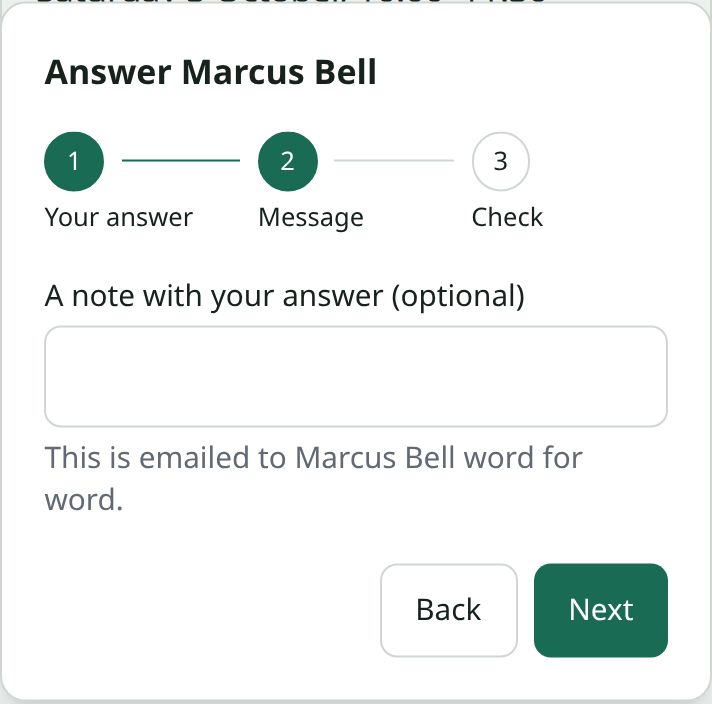
Choose No — turn it down. A note with your answer is optional, but worth writing. For somebody who asked through your website, it’s emailed to them word for word, so write it knowing a stranger will read it — “the first team are at home that day” costs you nothing and stops a phone call.
Chasing payment
In Pitch settings, set Hours to pay after you approve. After that the booking stops holding its slot, so the time can be let again. Set Remind you after in Pitch settings and the club is reminded before that happens.
You’re told when a booking is paid for, and when a card is declined. An unpaid booking never quietly blocks a Saturday for ever.
Moving or cancelling later
Anything already booked can be moved or cancelled from the pitch’s calendar. If it was paid for, cancelling records that you owe a refund rather than making it disappear — the money question stays visible until somebody settles it.