Booking the same slot every week
A five-a-side league on Tuesdays, a school every Thursday afternoon: take the whole run of dates in one go, and stop it when they stop.
Taking a weekly block
- Open the pitch’s calendar from Overview and pick a free slot, as you would for one booking.
- Tick Every week at this time and choose the last date it runs, up to a year ahead.
- Say what it’s for, then check the summary. It tells you how many bookings that makes and, if the pitch has a rate, what the whole block costs.
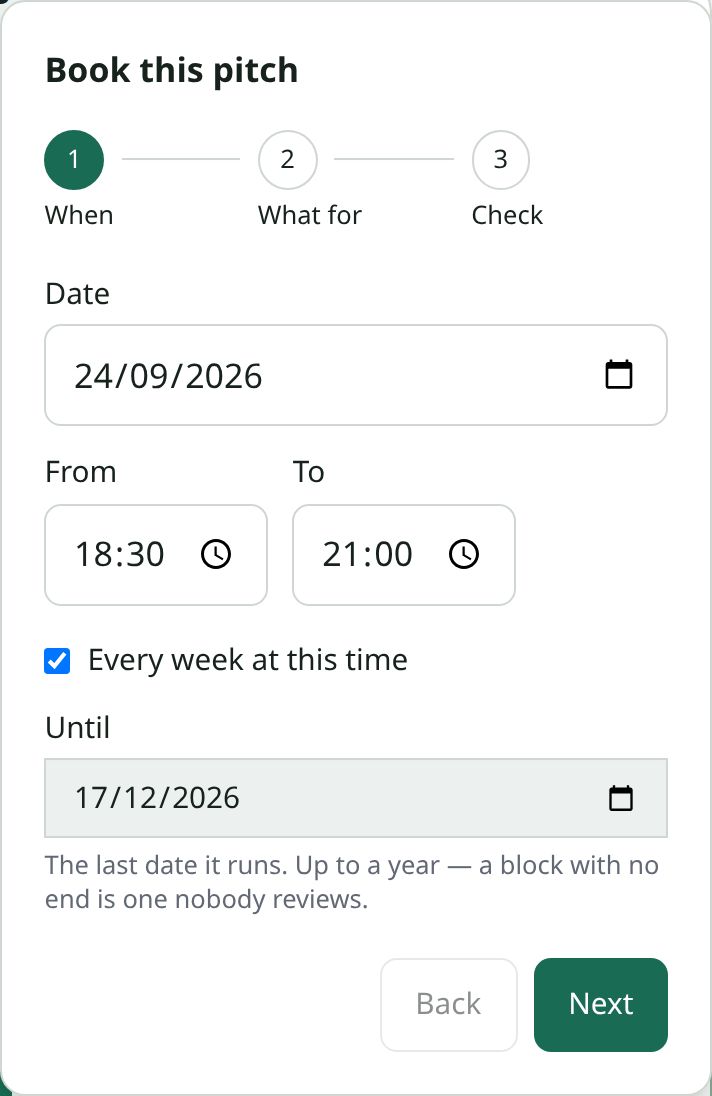
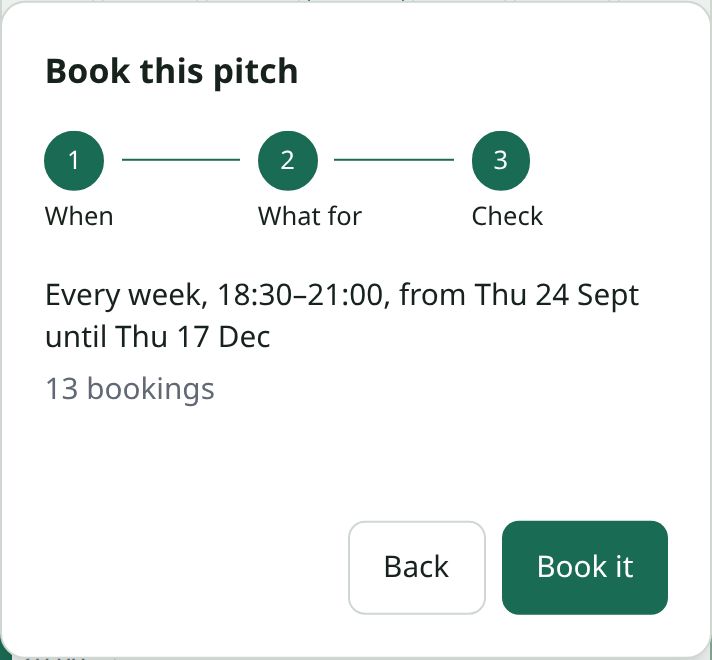
Every date is checked before any is booked. If one Tuesday is already taken, nothing is booked and you’re told which date is the problem, so you never end up with half a block.
If a date falls outside the pitch’s opening hours you can book it anyway, the same as a single booking.
Each week is its own booking
Every date in the block is an ordinary booking. It has its own price, can be paid for on its own, and can be cancelled on its own if one week is rained off. The rest of the block carries on.
Ending a block early
Open any date in the block and choose End the block from this date. That date and every later one are cancelled and the slots become free again. Earlier dates stay exactly as they were.
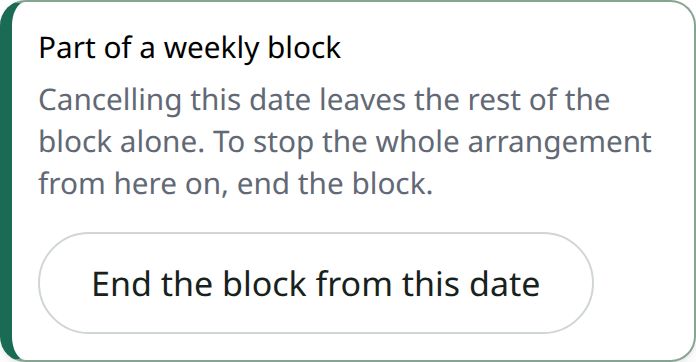
A later date that was already paid for is added to the refunds you owe. Nothing is refunded automatically. If the block is billed to a regular hirer and a date is on an invoice they haven’t paid yet, that date comes off the invoice with a credit note.