Getting paid for a booking
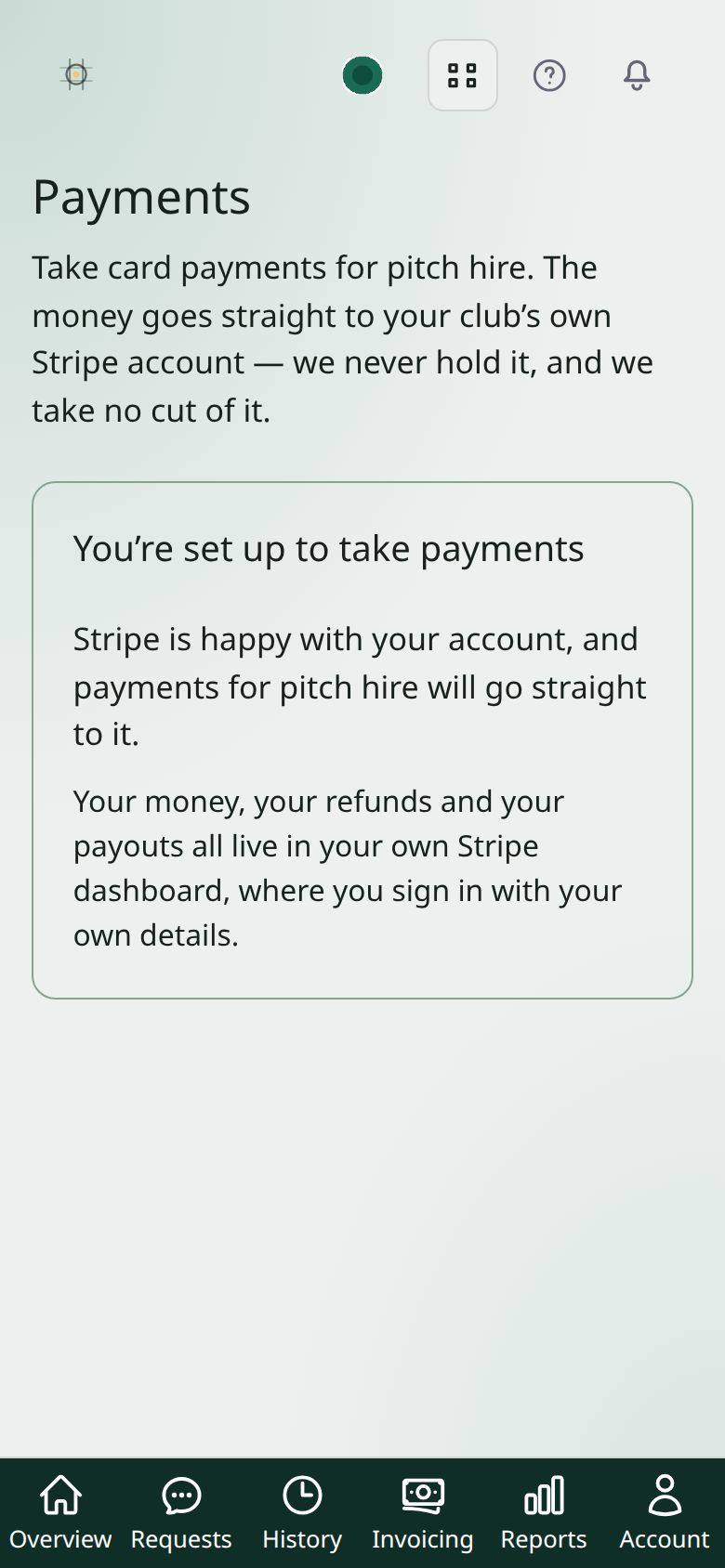
Connect your club's own bank account and people can pay by card. The money goes to your club — it never passes through us.
Whose money it is
Your club is the one being paid. Card payments go straight into your club’s account, not into ours and then on to you, and we take no cut of what you charge for a pitch.
That’s why you connect a bank account rather than giving us one: the payer’s contract is with your club, and their statement says your club’s name.
Connecting it
- On the Overview, press Taking payments → to open Payments.
- Press Connect with Stripe. You’ll be taken to Stripe, who handle the card side.
- Answer their questions about the club — the business, somebody responsible, and the account to pay into. Have your bank details to hand.
- You come back here when it’s done.
Only a club admin can do this — not a secretary. Deciding which account the club’s income lands in isn’t secretarial work, even though the same secretary takes the bookings.
It may not finish in one go
Stripe sometimes asks for a document, or comes back days later wanting more. Until they’re satisfied you can take bookings but not card payments. The Payments screen shows what they’re still waiting for — it asks them live rather than remembering an answer from last week, so it’s never out of date.
Money that arrives another way
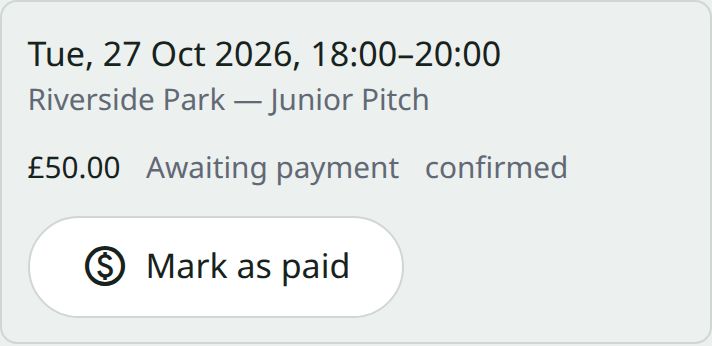
Somebody paid cash, or by transfer? Mark the booking as paid. It’s recorded as an offline payment rather than a card one, so whoever does the books can tell your word from Stripe’s receipt.
Refunds
A refund goes out of your club’s balance, because that’s where the money is. You can refund all of it or part — keeping a deposit, or half of a late cancellation — and there’s deliberately no automatic policy, because a person is deciding anyway.
Only an admin can refund, though a secretary can cancel a paid booking. Cancelling records that you owe somebody; an admin settles it. So the work is never blocked, only the payment.