Setting up Facilities
The first time a club admin opens Facilities, it asks how you let your pitches and walks you through the basics.
When it opens
The first time a club admin opens Facilities, it opens by itself. Press Not now to come back to it later: it asks again the next time you sign in, until it’s answered. You can run it again whenever you like, from Configure → Default pitch settings → Run the set-up again.
One admin answers for the whole club. Secretaries aren’t asked.
Two questions
- Do any regular hirers pay you monthly, by invoice, rather than for each booking? If not, switch Invoicing off and it leaves the menu. See Invoicing a regular hirer monthly.
- Do your prices change with the day or the time, such as evenings or weekends costing more? If they do, switch Prices that change by time on: you give a price for high demand, standard and low demand, and choose which your booking hours are. If not, every booking costs a pitch’s standard price, whenever it’s booked. A new club starts with it off.
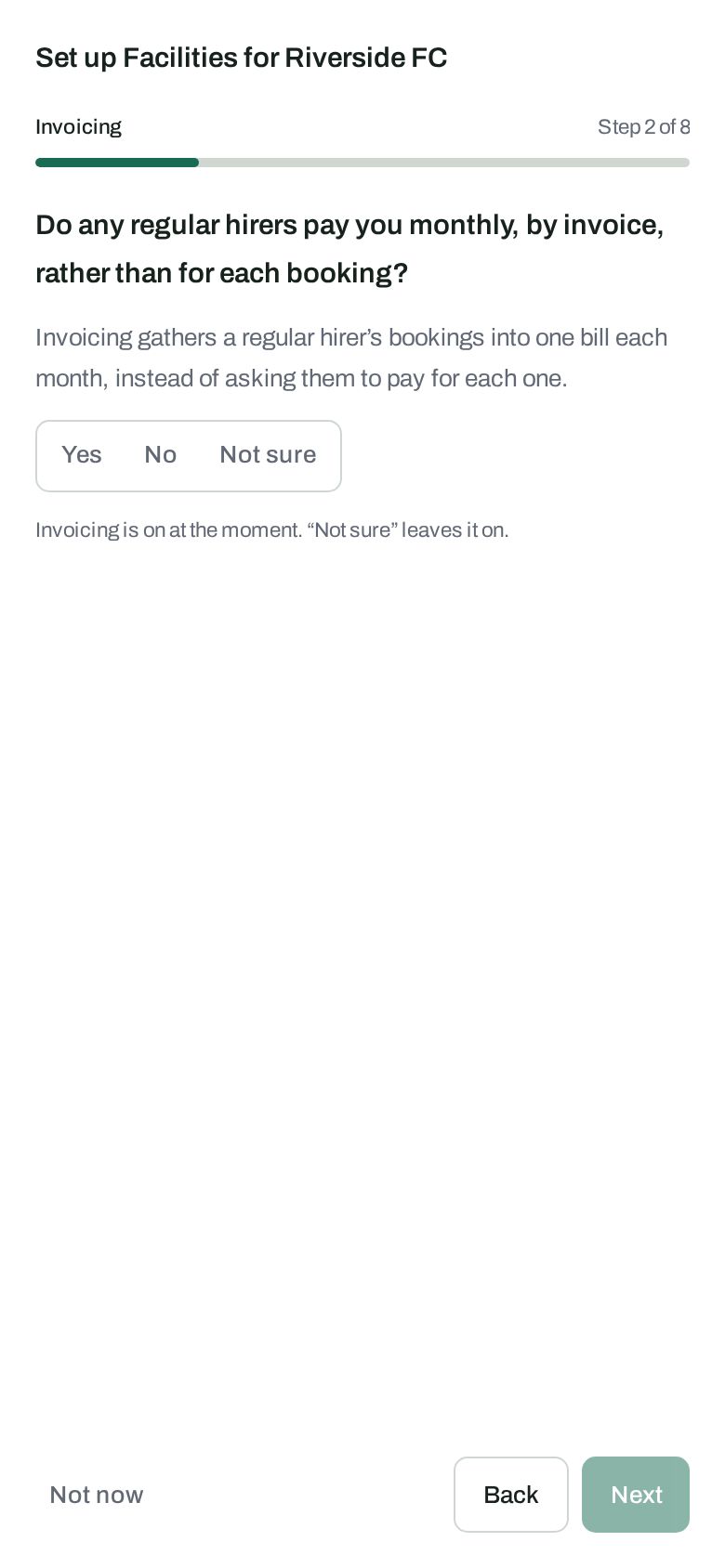
Answer Yes, No or Not sure. Not sure leaves it as it is. At the end it shows what it would set up, and you can tick or untick either before pressing Use these settings.
The basics, one step each
Each step saves as you go, and you can skip any of them with Next:
- Your venue: the ground your pitches are at. Add its pitches afterwards, under Venues.
- Opening times: when your pitches can be booked, and how long each booking is. You need a venue with pitches first.
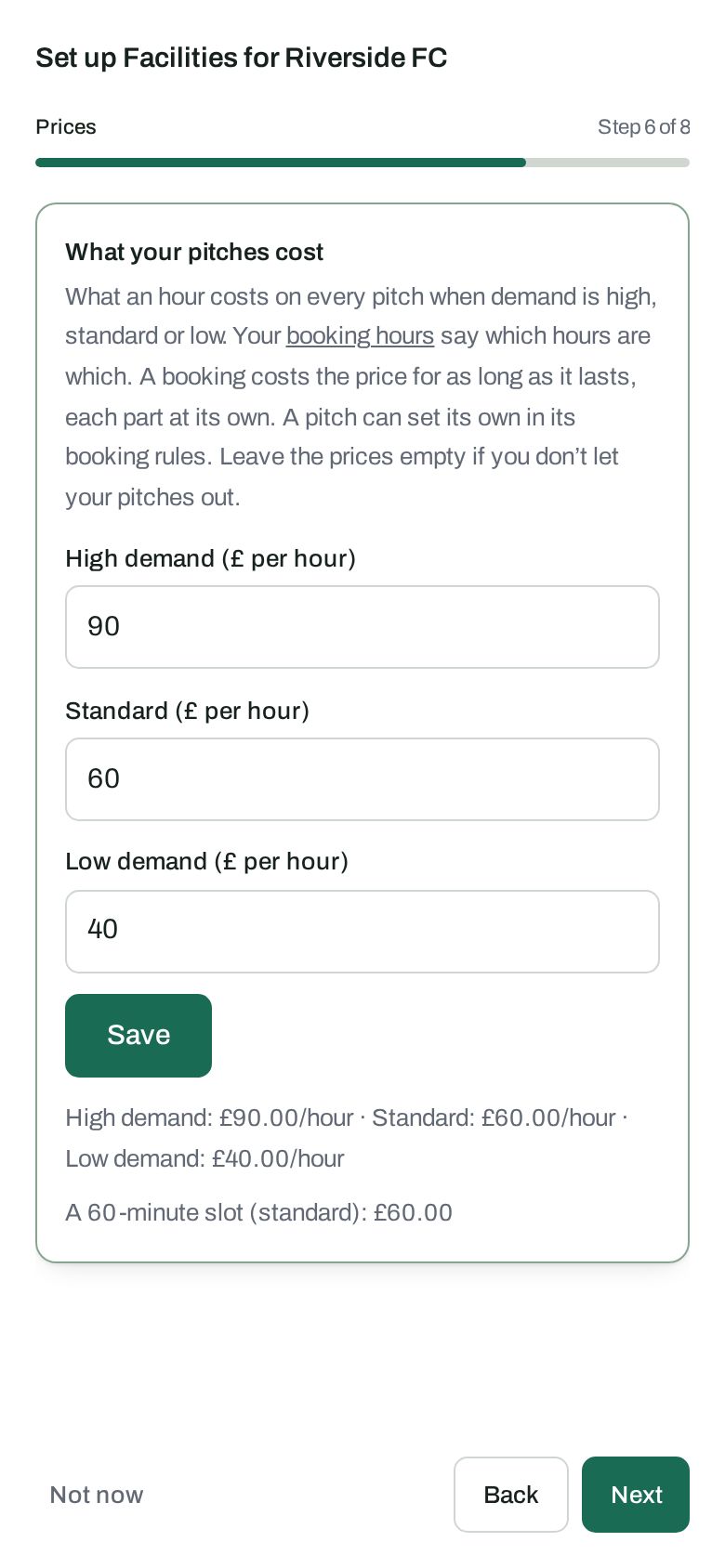
- Prices: what an hour costs on every pitch, with a price for high and low demand too if your prices change by time. A booking costs the price for as long as it lasts.
- Cost centres: who in the club pays for its own teams’ bookings. See Cost centres.
Changing your mind
Both switches are on Configure → Default pitch settings, under What Facilities shows.
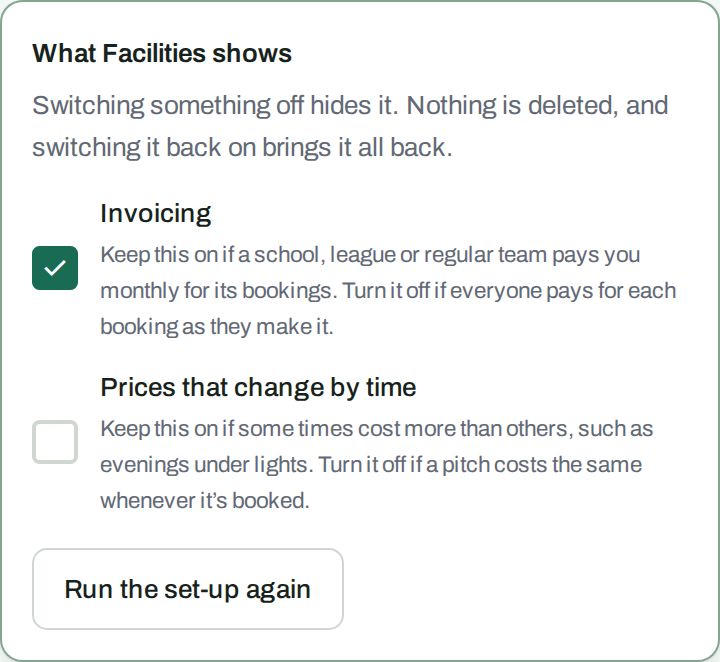 Switching something off hides it. Nothing is deleted: switch Prices that change by time back on and your high and low demand prices, and the demand of each set of booking hours, are still there and charged again.